Cloud Architecture and Terraform IaC
Terraform formed the infrastructure-as-code foundation for defining and provisioning the cloud environment through a consistent, repeatable delivery model.
 +971 50 774 5600
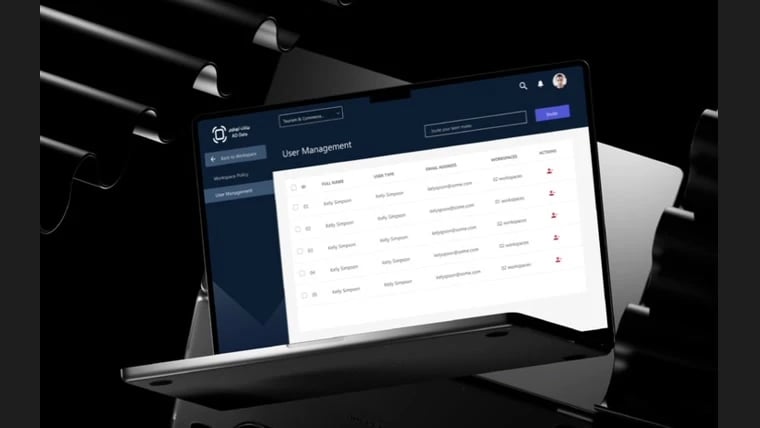
Micro Azure is a self-service Azure cloud platform developed for the Department of Government Enablement – Abu Dhabi. MMC Global worked in parallel with Microsoft's team, using Terraform as the infrastructure-as-code foundation to connect governed workspace requests, team access, virtual-machine provisioning, policies, and resource management in one desktop web experience.
Cloud Delivery
Terraform IaC
Core Workflow
Workspace to VM
Access Model
Role-Based
Platform
Desktop Web
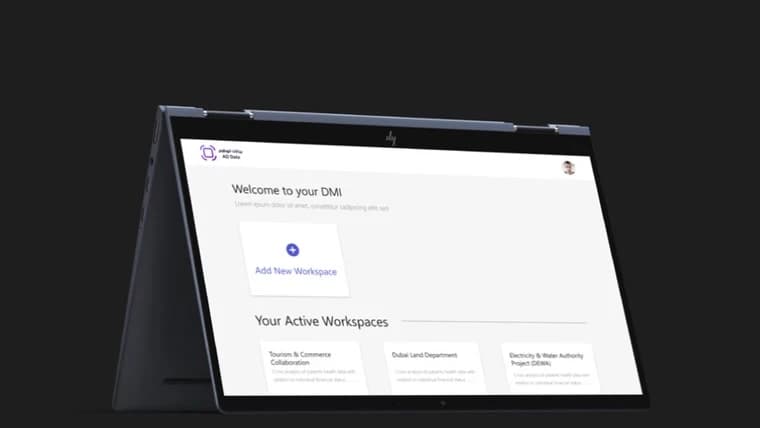
Micro Azure connects the cloud workspace lifecycle in one role-based portal. Users can onboard through email or Microsoft, request a private workspace, invite team members, and wait for approval before configuring resources. The verified product flow continues through virtual-machine setup, Windows or Linux selection, machine start and connection actions, and ongoing workspace policy and user administration.
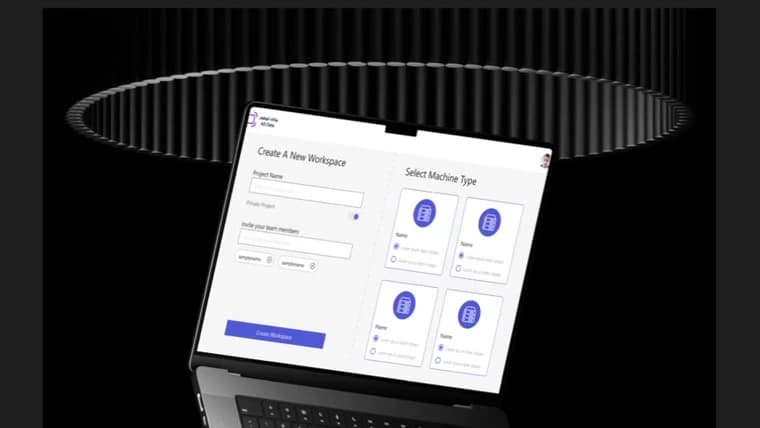
The Department of Government Enablement – Abu Dhabi needed a self-service cloud experience that could give teams a clear route to workspaces and virtual machines while retaining approval, policy, and access controls.
Workspace requests, member invitations, infrastructure resources, operating-system choices, user administration, and policy changes needed to work as one governed journey instead of separate operational touchpoints.
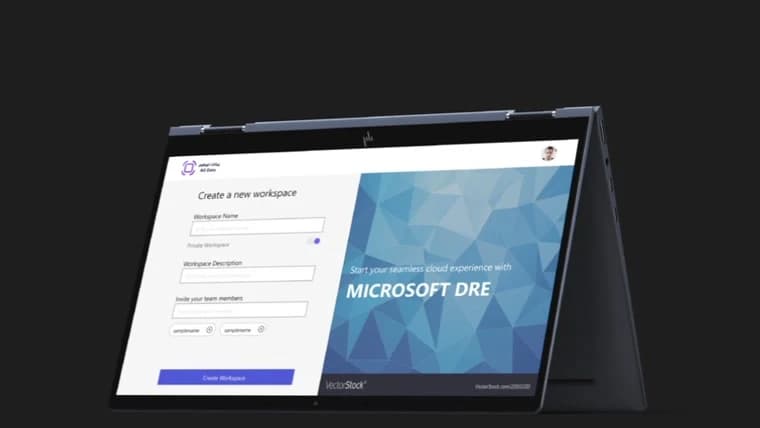
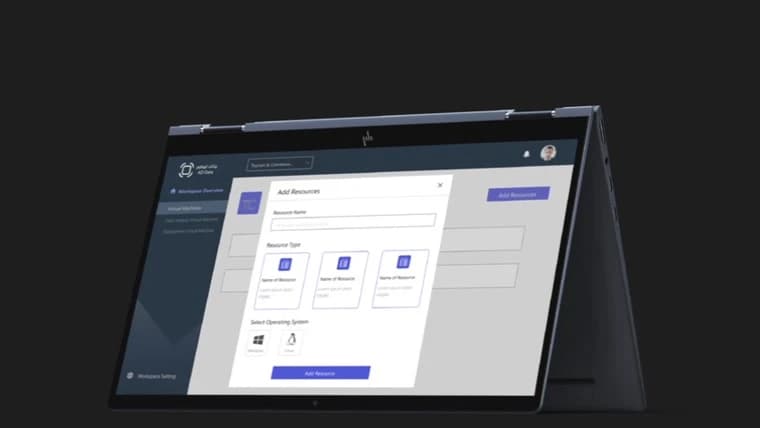
The delivered scope connects Terraform-based infrastructure with the product workflows required to request, provision, access, and govern cloud workspaces for the Department of Government Enablement – Abu Dhabi.
Terraform formed the infrastructure-as-code foundation for defining and provisioning the cloud environment through a consistent, repeatable delivery model.
A unified desktop portal organizes workspace dashboards, virtual-machine resources, access controls, policies, and administration around clear user journeys.
Onboarding, Microsoft sign-in, invitations, and workspace membership support role-appropriate access for requesters, team members, and administrators.
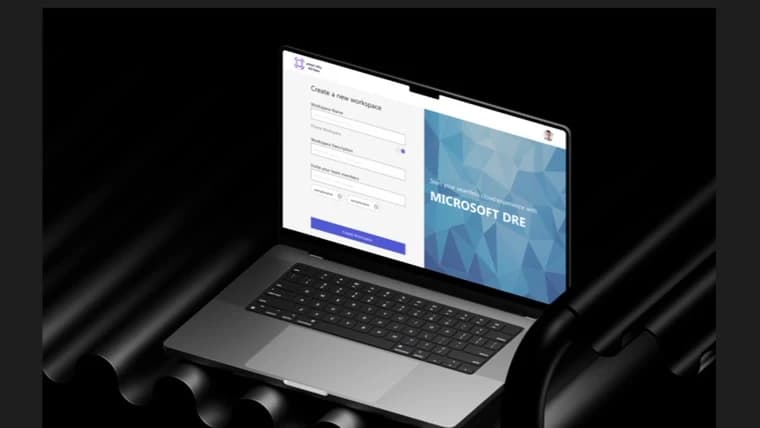
Users can define private workspaces, add a description, invite teammates, submit the request, and continue once the governed approval step is complete.
The platform supports resource selection, Windows or Linux configuration, virtual-machine visibility, machine start actions, and connection workflows.
Workspace settings centralize policy-change requests, team invitations, membership visibility, user actions, and ongoing governance controls.
Always busy and want to book an exact time to call?