
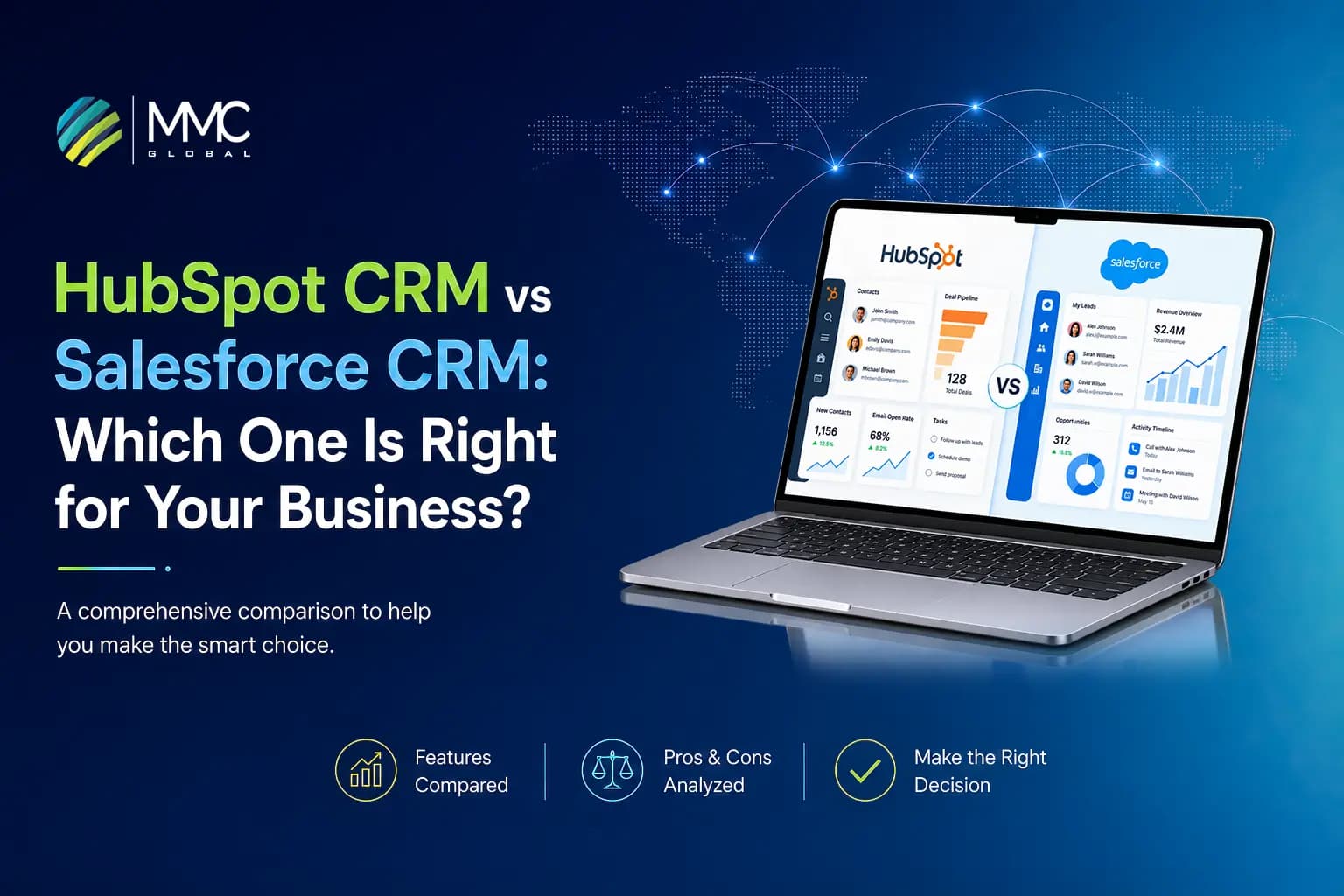
More features in a CRM do not make it better. In the debate of HubSpot CRM vs Salesforce CRM, you can easily get buried in the long list of features and AI capabilities. Undeniably, both platforms support serious customer relationship management, but they are built around different approaches to managing sales, marketing, service data, and business workflows.
The real decision is based only on core criteria. How easily can your team adopt the platform? How much customization will your processes need? Can it connect with your existing platforms and apps? And what happens when your business scales?
These simple questions set the stage for your selection. HubSpot works better for businesses seeking easier adoption and connected customer operations. Meanwhile, Salesforce can be a strong fit for organizations with complex processes and extensive customization needs.
So, which one should you choose between HubSpot and Salesforce? Let’s compare them both and find out.
HubSpot CRM vs Salesforce CRM at a Glance
CRM comparisons can become complicated pretty quickly. When you decide to look through the features, you start comparing dozens of capabilities that may not even matter to your business. The sole reason is that not every platform offers everything.
The ideal approach is to begin with the differences that can actually influence your decision. We are presenting you with a quick comparative analysis of how HubSpot CRM vs Salesforce CRM compares across the major requirements.
| Factor | HubSpot | Salesforce |
| Core focus | Customer, sales, marketing, and service management. | Sales, service, marketing, data, and complex business processes. |
| Ease of use | Generally easier to adopt and manage. | More complex, particularly for advanced configurations. |
| Sales | Sales Hub for pipeline, lead, and sales productivity. | Sales Cloud for sales automation, forecasting, and opportunity management. |
| Marketing | Marketing automation, campaigns, and customer engagement. | Marketing Cloud for advanced marketing operations. |
| Customer service | Service Hub for support and service workflows. | Service Cloud for case management and customer service. |
| Customization | Flexible configuration and customization. | Extensive configuration, customization, and development options. |
| Automation | Workflows and automation across Hubs. | Flow and broader business process automation. |
| AI | Breeze AI and AI-powered agents. | Einstein and Agentforce. |
| Reporting | Reports, dashboards, and customer insights. | Reporting, dashboards, analytics, and data capabilities. |
| Integrations | App Marketplace, APIs, and connected applications. | AppExchange, APIs, MuleSoft, and connected systems. |
| Number of Apps | 1,700+ | 7,000+ |
| Scalability | Supports growing businesses through enterprise teams. | Strong fit for complex and large-scale operations. |
| Pricing | Hub- and tier-based pricing. | Edition-, user-, product-, and feature-based pricing. |
| Best fit | Businesses prioritizing adoption and connected customer operations. | Organizations with complex processes and customization needs. |
As we can see, there is plenty of overlap between the two, but with different priorities. HubSpot brings its Hubs together around the customer journey. Salesforce gives enterprises vast control over how CRM capabilities are configured and expanded. This difference becomes much clearer once you look at the way each platform is built and the way teams actually work with it.
Talk to our experts about your business needs and watch them determine the exact platform that fit the strongest for your operations.
Let’s Get StartedWhat Is the Difference Between HubSpot and Salesforce?
CRM software is not a place to save customer contacts and track deals anymore. The industry tells a tale of its own. The global CRM software market is projected to reach $103.51 billion in 2026. It does not stop there. In 2031, it is expected to go beyond the value of $139.56 billion.
These numbers make one thing clear. As more businesses are relying heavily on Customer relationship management (CRM) platforms to handle daily operations, the choice of platform can have a massive impact than it appears.
So, let’s look at the 3 areas first that explain the biggest difference between HubSpot CRM vs Salesforce CRM.
Platform Philosophy
HubSpot:
It is built around Smart CRM, providing a common foundation for its different hubs and multiple other products. They work around the same customer records and CRM data.
The idea is simple: teams must easily work with connected customer information without needing to manage completely separate systems for sales, marketing, and service.
Moreover, HubSpot CRM has also expanded its platform beyond its earlier reputation as a marketing-focused tool. It currently covers businesses ranging from SMEs to enterprises, with CRM functionalities designed to support multiple teams from a single platform.
- Check out our guide to HubSpot for enterprises to get in-depth details.
Salesforce:
Through Salesforce’s Customer 360, it brings together apps for sales, service, marketing, commerce, industries, data, and other business functions.
Instead of centering the experience around a set of Hubs, Salesforce offers an extensive collection of applications that can be used according to the business’s requirements.
User Experience
HubSpot:
It keeps the CRM experience approachable. Teams can work with customer records, deals, tasks, dashboards, and other daily activities via a consistent interface across its products.
This simple approach makes it easier for users to get familiar with the platform and find the tools they require without surfing through an overly complicated navigation.
Salesforce:
Salesforce offers a wider working environment, and the experience can vary according to the way an organization has configured its platform.
Users may work with different apps and processes within the same Salesforce environment. That offers considerable flexibility, but it can also make the CRM feel more complex for teams that are new to it.
This difference makes HubSpot easier to navigate, while Salesforce offers more customization opportunities at the cost of additional complexity.
Customization Model
HubSpot:
It lets businesses the ability to adapt its CRM to their own requirements instead of locking every team into the same setup. Organizations can customize parts of the CRM to reflect their customer data and internal processes.
Salesforce:
Customization is a major part of the Salesforce proposition. Businesses have more control over how the CRM is structured and the way it reflects their organizational workflows.
It appears to be mainly useful when standard CRM configurations do not match the way a business works. Salesforce’s deeper customization also offers enterprises room to build a highly tailored CRM environment.
For businesses wanting to connect their CRM with specialized apps or create functionality around unique processes, custom software development can become part of a smarter technology strategy.
Ultimately, both CRMs can be customized. The difference comes down to how much control you need and how much complexity you are willing to take on to get it.
How Do HubSpot and Salesforce Compare Across Core CRM Capabilities?
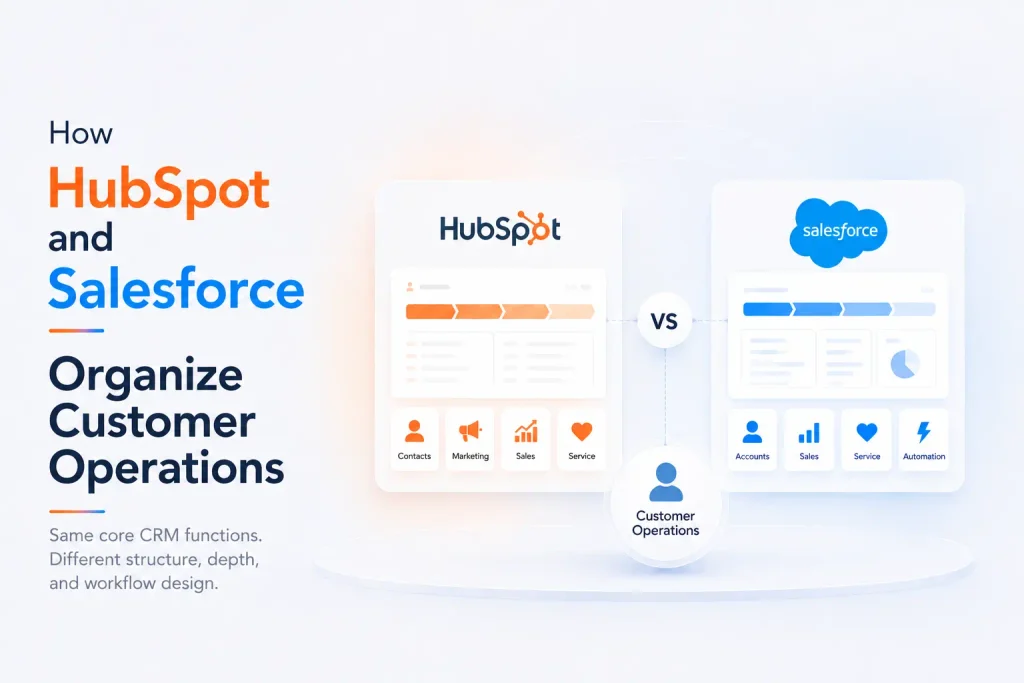
After covering the basics, the next question becomes more practical: what can each CRM actually help your teams do?
Both HubSpot and Salesforce cover the core functions organizations expect from modern CRMs. Sales teams can manage opportunities. Marketers can run campaigns. Service teams can handle customer requests. Managers can track performance and automate daily tasks.
The interesting part is the way those functionalities are packaged and the depth each platform offers within a particular function.
Sales Management
HubSpot:
HubSpot Sales Hub offers sales teams a medium to manage their sales activities. Representatives can work with leads while tracking deals via the sales pipeline.
The activities it supports are:
- Lead and contact management.
- Deal and pipeline management.
- Sales forecasting.
- Task and activity tracking.
- Sales automation.
- Performance reporting.
It also lets your teams create different pipelines for different sales processes, allowing businesses to organize deals based on how their sales team really works.
Salesforce:
Salesforce Sales Cloud covers the main stages of the sales process. Teams can easily handle leads, accounts, contacts, and opportunities from the CRM.
It can be used to:
- Track opportunities.
- Manage sales pipelines.
- Monitor sales activities.
- Create forecasts.
- Analyze sales performance.
It also offers more control over how sales processes are structured.
Marketing
HubSpot:
HubSpot marketing hub connects marketing activities with the CRM. This enables marketers to attract leads, manage campaigns, automate engagement, and measure results from the same platform.
It includes:
- Email marketing.
- Lead generation.
- Campaign management.
- Marketing automation.
- Customer segmentation.
- Personalization.
- Attribution reporting.
Teams can see customer interaction with their campaigns and content since marketing activity is connected to CRM records.
Salesforce:
It offers marketing capabilities via Marketing Cloud. The software supports campaign management and automated customer journeys.
Marketers can also leverage tools to:
- Segment audience.
- Personalization.
- Cross-channel engagement.
- Automate marketing.
- Campaign analytics.
- Manage customer journeys.
As it connects marketing activity with customer data across its platforms, this helps larger teams create detailed engagement strategies and manage complex customer journeys.
Customer Service
HubSpot:
Service Hub provides customer service teams a central place to manage support activity, letting teams create tickets, track conversations, and view customer information.
Service teams can utilize features like:
- Ticket management.
- Help desk operations.
- Customer conversations.
- Knowledge management.
- Service automation.
- Customer history.
The link with the CRM also offers access to the support representatives to other customer interaction information. This results in providing useful context while handling a support request.
Salesforce:
Salesforce Service Cloud supports case management and structured service workflows to provide efficient customer service.
Here you can:
- Create and manage cases.
- Route cases to the right teams.
- Set escalation rules.
- Track customer interactions.
- Manage knowledge.
- Monitor service performance.
Salesforce CRM also offers you wider control over complex service processes. Useful when customer support involves numerous teams or detailed routing and escalation rules.
Reporting and Analytics
HubSpot:
In HubSpot, teams can create dashboards to track metrics across the CRM and individual Hubs.
Common reporting areas include:
- Sales.
- Deal performance.
- Marketing results.
- Customer service activity.
- Revenue.
- Customer engagement.
Salesforce:
Unlike HubSpot, Salesforce offers reports across its applications. It enables:
- Sales managers to monitor pipeline activity and forecasts.
- Service teams to track cases and support performance.
- Business leaders to use dashboards to analyze broader operational data.
Companies can also create detailed reporting structures when their requirements go a notch up. This provides Salesforce with more flexibility for enterprises that require deeper analysis across complex datasets.
Automation
HubSpot:
Workflows automate repetitive CRM tasks in HubSpot. You can define conditions that trigger certain actions without requiring employees to manually handle each step.
As an example, teams can automate;
- Lead assignment.
- Follow-up tasks.
- Record updates.
- Deal stage changes.
- Internal notifications.
- Workflow actions.
Salesforce:
Different CRM tools like Flow are used to automate business processes. You can create automated actions as per records, conditions, and defined business rules.
Automation can be used for:
- Record updates.
- Task creation.
- Lead routing.
- Approval processes.
- Notifications.
- Multi-step workflows.
Salesforce also provides businesses with deeper control when automation needs to support complex processes across multiple parts of the business.
We build reporting that connects your customer data with the metrics your teams need to make better-informed decisions.
Book A Consultation Now!How Do HubSpot and Salesforce Compare on AI?
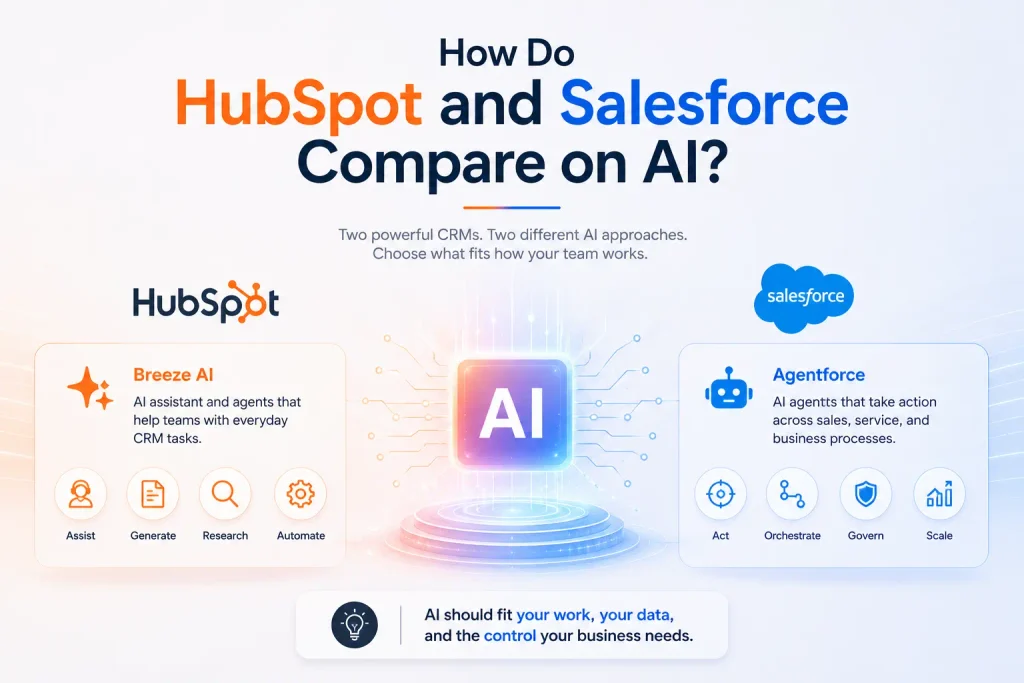
Artificial Intelligence has become a core part of CRM software. According to a report, the worldwide AI in CRM market is projected to hit a whopping $48.4 billion by 2033. This growth indicates how AI powers teams’ operations.
During the HubSpot CRM vs Salesforce CRM debate, the useful comparison is about what AI is actually capable of and how much control your business has over the decisions it makes.
AI in HubSpot
HubSpot CRM brings AI through Breeze. It includes an AI assistant and a growing set of AI agents. Breeze Assistant can function with CRM information and help teams with daily tasks like meeting preparations, information summarization, content generation, and answering queries.
Additionally, HubSpot has also expanded its agent capabilities via Agent Hub. You can use previously made agents or build your own with the Agent Builder.
The agent helps with:
- Customer support.
- Lead qualification.
- Prospect research.
- Customer data research.
- Sales assistance.
- Workflow automation.
While building an agent, HubSpot’s Agent Builder can leverage CRM data, business instructions, knowledge sources, and defined actions. It also lets organizations to add controls before an agent independently performs actions.
AI in Salesforce
Salesforce takes its AI strategy further into Agentforce, designed to bring AI agents into sales, service, and other business processes. These agents can operate with Salesforce data and business content while taking actions inside the platform.
Agentforce now covers a wide range of use cases. For instance, its sales capabilities include prospecting agents that can research accounts, identify potential contacts, prepare outreach, and book meetings.
Moreover, Salesforce is also emphasizing linking AI with business data, workflows, and governance. Its current developments include multi-agent orchestration and AI experiences that can work across Salesforce and other work environments.
This makes Salesforce more interesting for organizations that need AI agents to take part in more involved business processes rather than simply assisting individual users.
What AI Means for Your CRM Choice
The AI question should come down to how you actually plan to use it.
Ask yourself:
- Do your teams mainly need AI assistance for everyday CRM tasks?
- Do you want AI agents to perform defined tasks on their own?
- Will those agents need access to customer and business data?
- How much control should users have over AI-generated actions?
- Will AI need to work across your CRM and external business systems?
- Do you need custom AI capabilities beyond what the CRM provides?
HubSpot and Salesforce can both support AI-assisted work and agent-based automation. The better choice depends on the work you want AI to perform and the level of control your organization needs around that work.
For businesses that need AI to fit into a wider application landscape, partnering with an AI and ML development company can help extensively when they need custom AI solutions or deeper integration with current business platforms.
HubSpot CRM vs Salesforce CRM Pricing: What Will You Actually Pay?
HubSpot and Salesforce offer pricing in different structures.
HubSpot organizes its costs around customer platform, individual hubs, subscription tiers, seats, and credits. Salesforce uses product editions, per-user pricing, and additional products or add-ons.
Below is the complete breakdown of both of the pricing models.
Subscription Structure
HubSpot Subscription Tiers
HubSpot utilizes a combination of free tools, paid Hubs, bundled customer platform plans, seats, and usage-based credits. The cost differs as per your needs, whether you need basic CRM functionality or a broader set of Hubs.
- Free: The CRM tools cost nothing, so it’s an easy place to start.
- Starter: $20 per seat/month. Promos can drop it to about $7-$10 per seat. It suits small teams.
- Professional: $1,300/month annual or $1,450/month monthly. This is a flat platform price with 6 seats included, and it’s the biggest price jump in the lineup.
- Enterprise: $4,700/month. It includes 8 seats and is built for large teams with complex needs.
- Individual Hubs: you can buy Sales, Marketing or Service Hub on their own instead of the full platform.
- Extra seats: from about $45-$50/month on Professional and $75/month on Enterprise.
- Onboarding: Professional and Enterprise require a one-time fee.
- HubSpot Credits: AI features and agents use credits. Each plan includes a monthly allowance, and heavy use costs extra.
HubSpot’s pricing therefore depends heavily on which Hubs you need, which tier you choose, and how many users or credits your teams require.
Salesforce Subscription Tiers
Salesforce revolves its CRM pricing around different editions. Sales Cloud currently offers several tiers, with pricing generally calculated on a per-user, per-month basis.
- Free Suite: A test drive, capped at 2 users.
- Starter Suite: $25. Basic CRM for small teams, with monthly billing available.
- Pro Suite: $100. Adds automation, quoting and forecasting for growing teams.
- Enterprise: $175. The usual starting point for larger sales orgs, with API access and deeper pipeline insights.
- Unlimited: $350. Adds premium support, a full sandbox and more AI.
- Agentforce 1 Sales: $550. The top AI-first tier, built for teams going all-in on AI agents.
These are the current costs for Sales Cloud. Salesforce also offers separate products and add-ons that can increase the overall subscription cost.
For example, organizations may need additional capabilities for:
- Data management.
- Analytics.
- AI.
- Marketing.
- Customer service.
- Integration.
- Specialized sales operations.
The final Salesforce cost therefore depends on more than the Sales Cloud edition. You need to account for users, products, add-ons, and the capabilities required by each team.
Implementation And Onboarding Cost
Neither subscription tier tells you the exact cost to put the CRM to work.
Implementation can include:
- Data migration.
- CRM configuration.
- Workflow setup.
- User permissions.
- Third-party integrations.
- Custom enterprise app development.
- Testing.
- Training.
Total Cost of Ownership
Before finalizing between HubSpot CRM vs Salesforce CRM, make sure to account for the costs that can continue after implementation.
| Cost Factor | What to Consider |
| Users | How many seats will you need now and as your business grows? |
| Features | Will advanced capabilities require a higher-tier plan? |
| Add-ons | Do you need additional products or paid extensions? |
| AI Usage | Are AI features included or charged based on usage? |
| Customization | Will your CRM require custom development? |
| Integrations | Which existing systems need to exchange data with the CRM? |
| Migration | How much existing data needs to be cleaned and transferred? |
| Administration | Who will manage users, workflows, data, and configuration? |
| Optimization | How often will the CRM need updates as your business evolves? |
For instance, integrating Salesforce for sales and customer relations can introduce additional development and maintenance requirements.
Ultimately, the lowest subscription is not always the cheaper CRM. Compare the total cost of adopting, operating, and expanding each platform against your business requirements.
HubSpot or Salesforce: Which One Should You Choose?
There is no universal winner between HubSpot and Salesforce. They both can handle serious CRM requirements; however, the better choice relies on what your business needs from the platform and how much complexity you are ready to manage.
| Choose Based on Your Priority | Likely Fit |
| Faster adoption and ease of use | HubSpot |
| Unified go-to-market operations | HubSpot |
| Strong marketing-led operations | HubSpot |
| Highly complex business processes | Salesforce |
| Extensive customization requirements | Salesforce |
| Deep enterprise application needs | Salesforce |
| Existing investment in either platform | Depends on migration cost and fit |
| Complex cross-system architecture | Depends on requirements |
The final call should still account for your users, processes, customer data, integrations, technical environment, and future plans.
Ultimately, HubSpot is likely to suit businesses prioritizing ease of adoption and connected customer operations, while Salesforce can be the stronger fit for organizations that need deeper customization and more complex processes. The right choice is the one that fits your requirements today without creating unnecessary friction tomorrow.
How MMC Global Can Help With Your Enterprise CRM System?
A CRM should not become another system your teams have to work around.
If you are still weighing HubSpot CRM vs Salesforce CRM, MMC Global can help you move beyond feature lists and make the decision around what actually matters to your business.
As a trusted HubSpot development company, we help you assess your CRM requirements, plan the implementation, connect the systems you already use, and build custom solutions where the standard platform falls short.
Have a CRM decision on your desk? Let’s figure out what actually fits.
Don’t let hidden migration costs or complex setups stop your growth. Collaborate with MMC Global to audit your GTM stack and build a CRM system that scales.
Get Your Custom RoadmapFrequently Asked Questions
Do HubSpot and Salesforce offer the same services?
No, HubSpot and Salesforce do not offer the same exact services, though both help you manage customers, sales, and marketing. HubSpot works as an easy, all-in-one system where every tool shares the same clean setup right away. Salesforce works like a modular system where you buy and connect separate apps to build custom setups.
What is the major difference between HubSpot CRM vs Salesforce CRM?
The major difference between HubSpot CRM vs Salesforce CRM comes down to ease of use versus deep customization. HubSpot focuses on fast setup, simple daily use, and tools that work together out of the box. Salesforce focuses on enterprise control, letting you build custom rules and unique business layouts from scratch.
Which CRM is easy to integrate in my business?
HubSpot is much easier to integrate into your business because it uses simple, plug-and-play app connections. Most teams can link their daily tools in just a few clicks without hiring developers. Salesforce can connect to almost anything, but setting up those connections usually requires a technical expert to write custom code.
Which CRM is suitable for startups and small businesses?
HubSpot is best suited for startups and small businesses thanks to its free features, low setup costs, and easy-to-use design. Small teams can track leads, organize sales pipelines, and send marketing emails quickly without paying for dedicated system administrators.
Is it possible to migrate HubSpot to Salesforce?
Yes, it is fully possible to migrate your data and work history from HubSpot to Salesforce. As your business grows, specialized tools or expert migration partners can move your contacts, customer notes, and sales history over into Salesforce cleanly.